To get started with your professional development profile, navigate to your Classlink Launchpad and click on the icon that says “Professional Learning.” Login with your CSISD Google account. 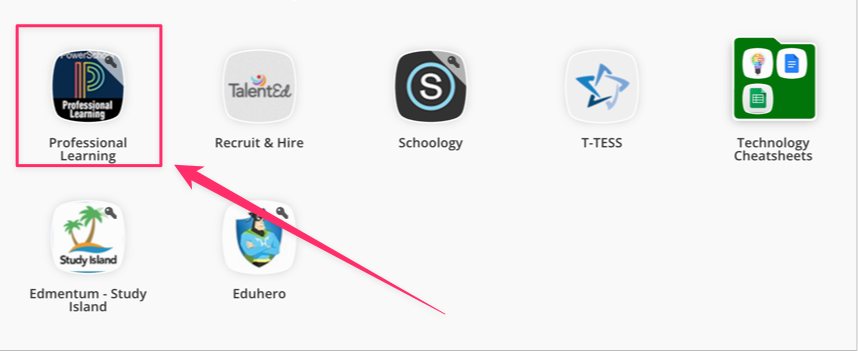
The home screen for Professional Learning will look like this:
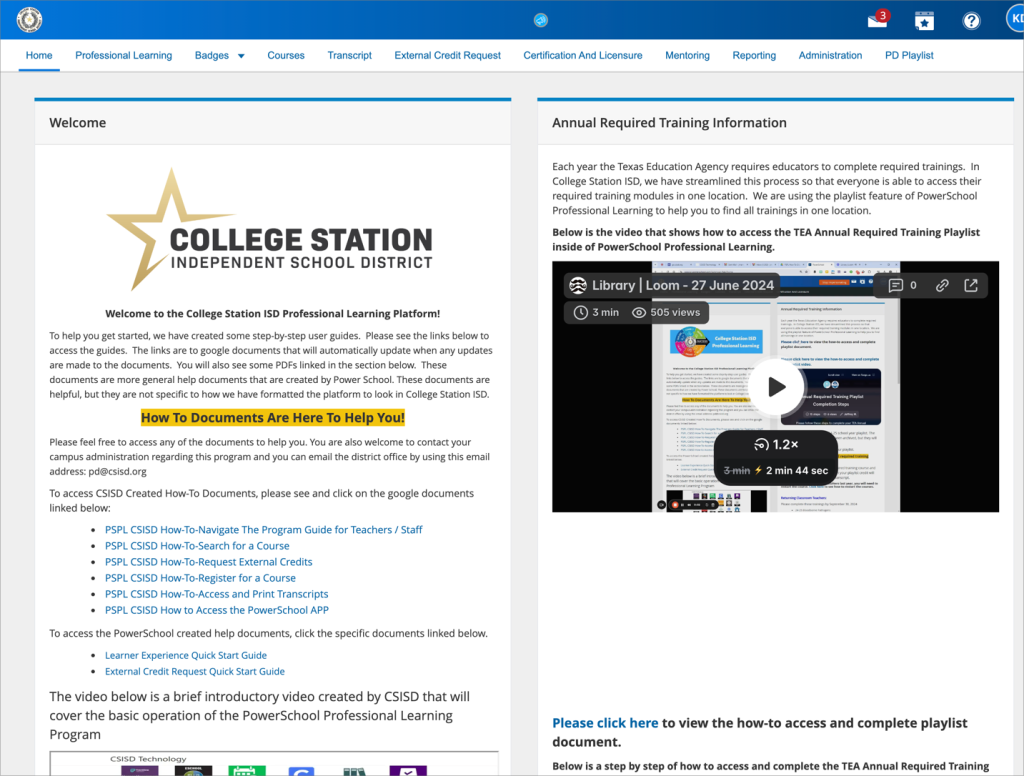
Please review all the information on this screen. There are how-tos and directions for any question you can imagine for Professional Learning!
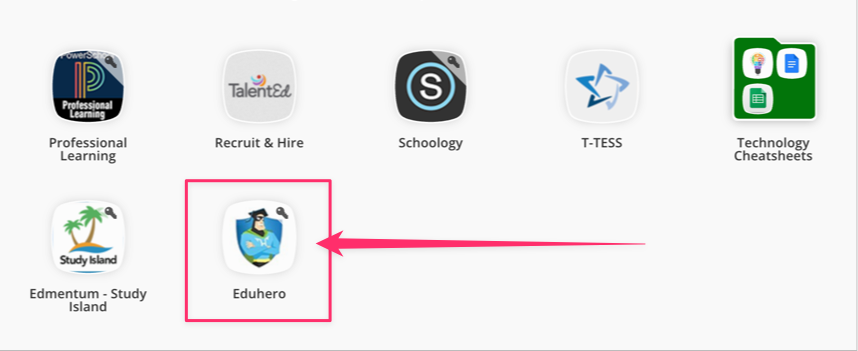
Some trainings will require you to log in to the Eduhero system. To log in to Eduhero, navigate to your Classlink Launchpad and click on the icon that says “Eduhero.” This will automatically log you in.
If you’re stuck and need additional assistance with Professional Learning, please submit a work order under “Professional Learning,” and someone will reach out to you as soon as possible.