When you start at your campus, your campus secretary will issue you a Print Badge. A print badge is the same size as your ID badge and has an RFID tag on it.
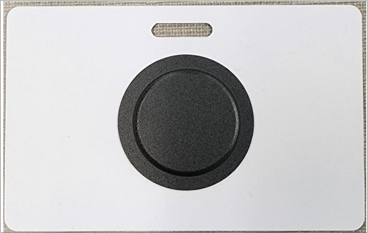
The printers and copiers on campus require the use of this print badge to sign in to the machines and release your print jobs. 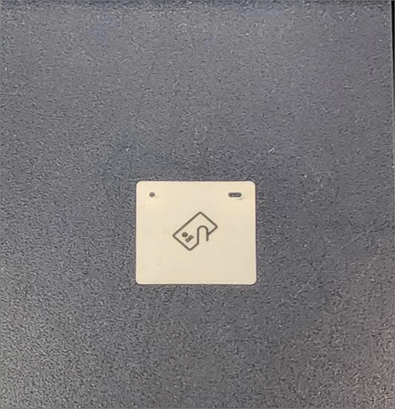
The first time you scan your print badge at one of the district’s printers or copiers, you will receive a message that shows the badge is unrecognized and will need to be associated with an account.
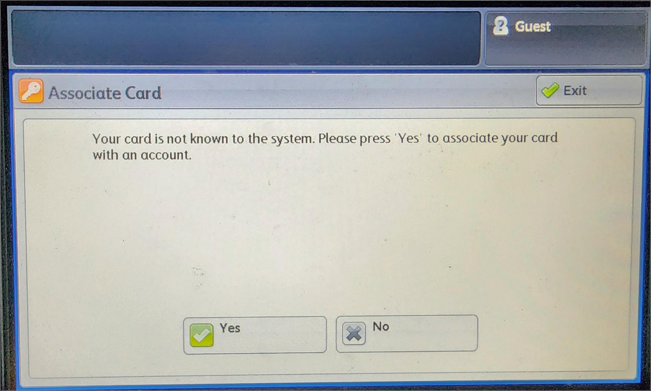
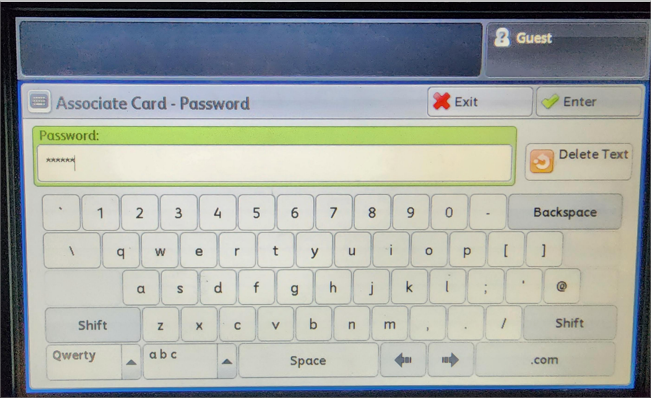
On this screen you should press/tap “YES” and you will be prompted to put in your credentials. Your username is your district username (just the username, without the @csisd.org on it.) Enter your username and press “Enter.”
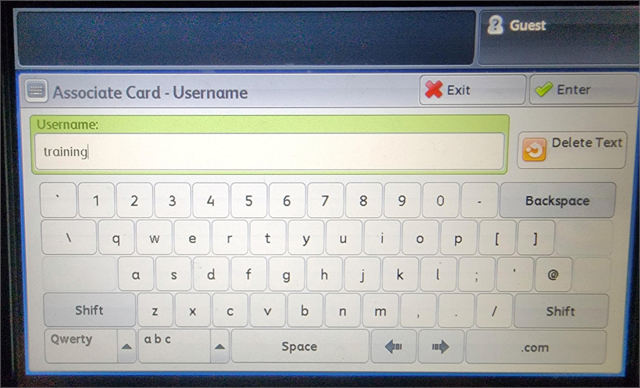
On the next screen, enter your password for your district account.
CSISD uses virtual print queues that are managed by PaperCutMF. These print queues are named SecureHP and SecureXerox. When you send a document to print, you will be able to retrieve the print job at any of the printer/copiers that have badge readers and correspond to the brand of printer.
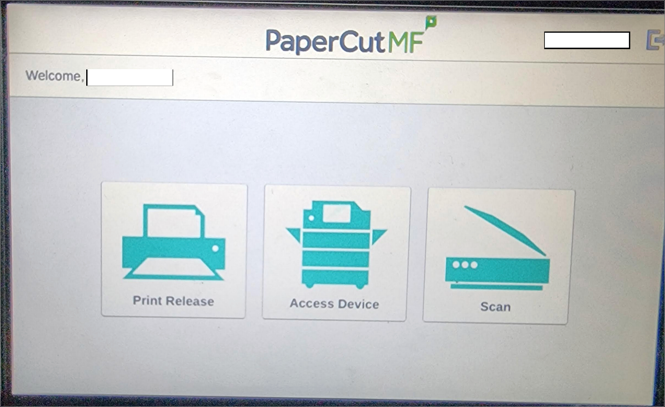
The appropriate printers for you will be added to your computer by your campus technician. If you find you need access to a printer that is not already listed on your computer, you may request access by submitting a work order.
If you have any issues with PaperCut or sending documents to print from your computer, then you should submit a work order.
If something is wrong with the actual printer or copier that is preventing you from retrieving your jobs, please report the issue to the campus secretary and they can report the issue to Xerox to request service.