The minimum password requirements for your CSISD password are below:
- Minimum of 12 characters
- Cannot be a previously used password
- No first name or last name or username
- Must contain four of the following
- Uppercase
- Lowercase
- Number
- Special Character
- Unicode
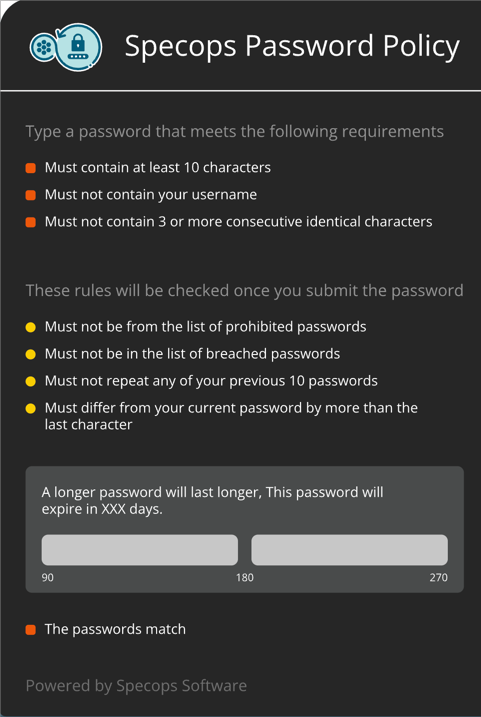
CSISD utilizes SpecOps to assist you in selecting robust passwords. When you change your password on your district computer, you will see an onscreen guide to help you choose your password. This tool uses an on-screen wizard to ensure that you aren’t using a compromised password or one that is easily guessable.
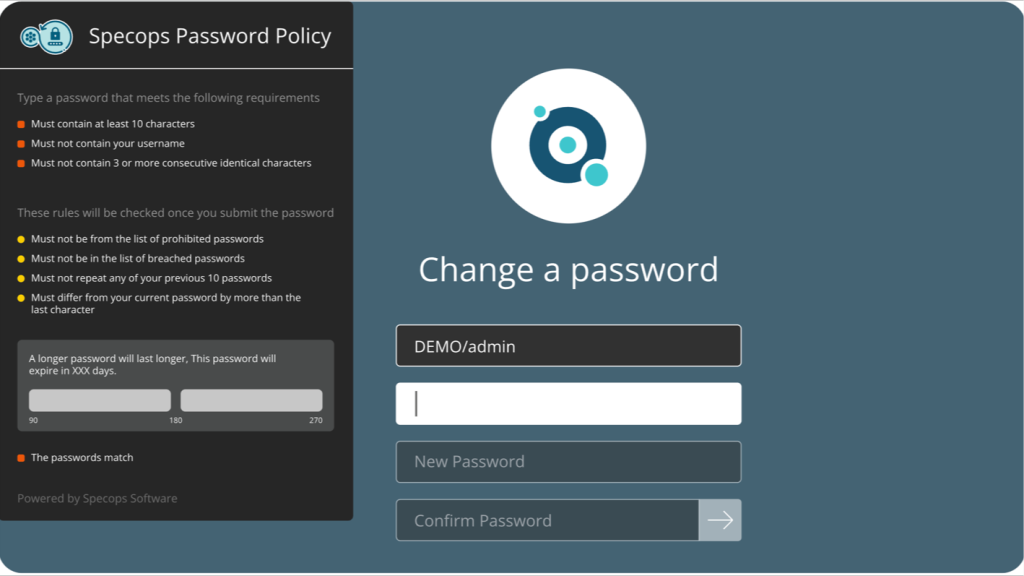
The strength of your password determines the frequency at which your password expires. Passwords that meet the minimum requirement must be changed every 45 days. The stronger the password, the longer the time to expiry. The on-screen wizard will tell you how long before expiry on the password you choose.
If you find that you are having issues accessing applications with your current CSISD password, we recommend you log out of your computer and try logging in again to see if your password has expired. You should receive email notifications from CSISD’s SpecOps letting you know when your password is about to expire.