CSISD utilizes Google for email and its productivity suite.
To log in to your email, click the image below and log in with your account credentials.
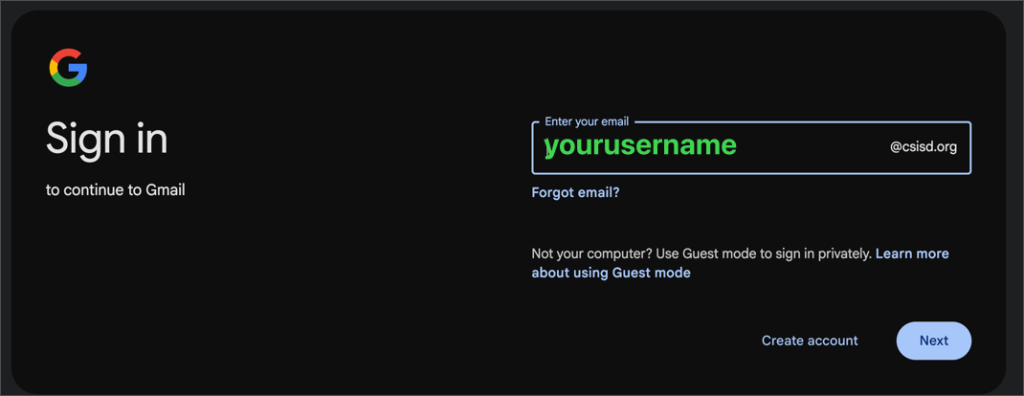
To fully utilize your CSISD Google account, you must accept Google’s terms of service. Once you’ve done so, you will have access to email, drive, calendars, and more.
Your Google account requires 2-Step Verification. 2-Step Verification adds an extra layer of security to your account. All employee accounts require 2SV to be setup for use.
You will be prompted to enroll and instructions will prompt you on what to do when you login to your CSISD Google for the first time.
We recommend setting up at least two methods to ensure you can always access your account.
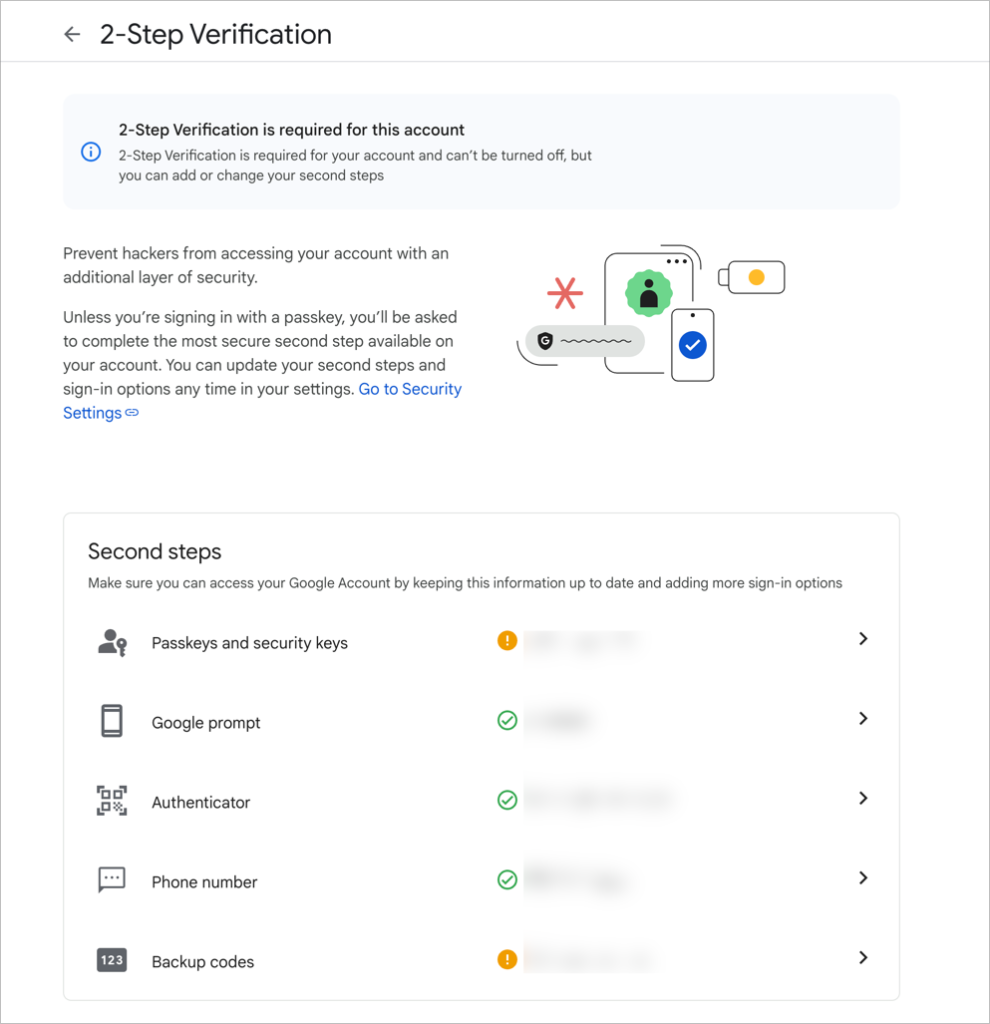
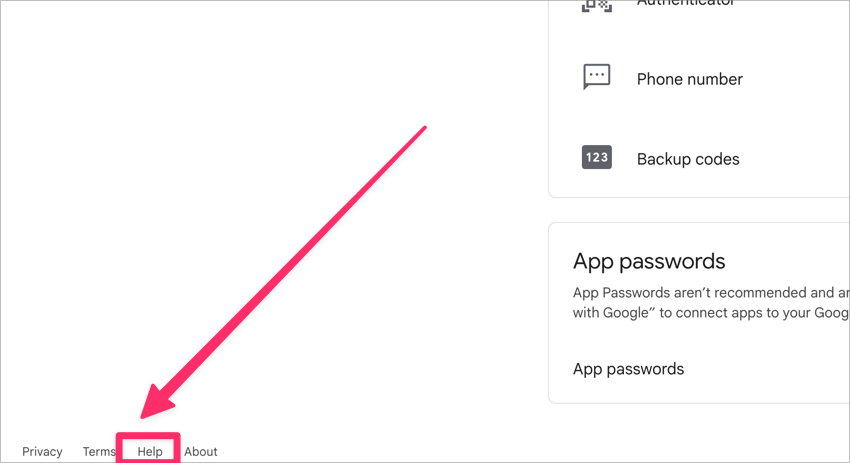
If you have questions about these methods, click “Help” at the bottom of the enrollment screen.
Or you can visit Google’s Article on Setting up 2-Step Verification.
If you find that you have inadvertentaly locked yourself out of your account, please call the Helpdesk (xtn 5678 or 979-694-5678) and they can help you. You must be in front of a computer to login when you make this call.