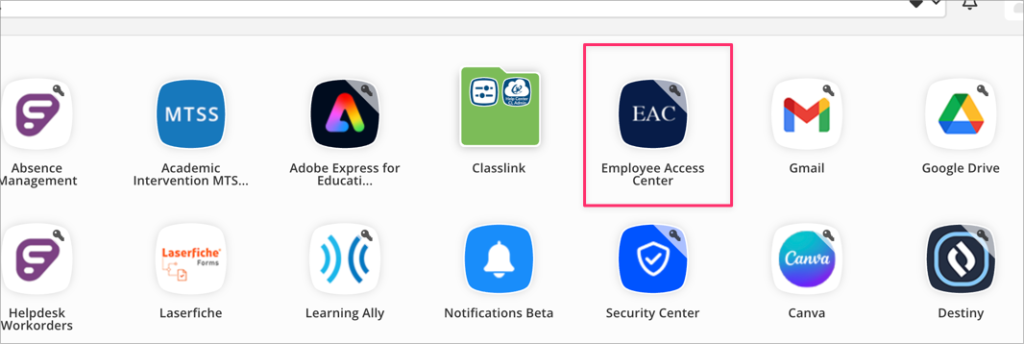
The Employee Access Center houses your information for accessing your check stubs, leave balances, tax forms and more. Access the EAC by going to your Classlink launchpad and clicking on the EAC icon.
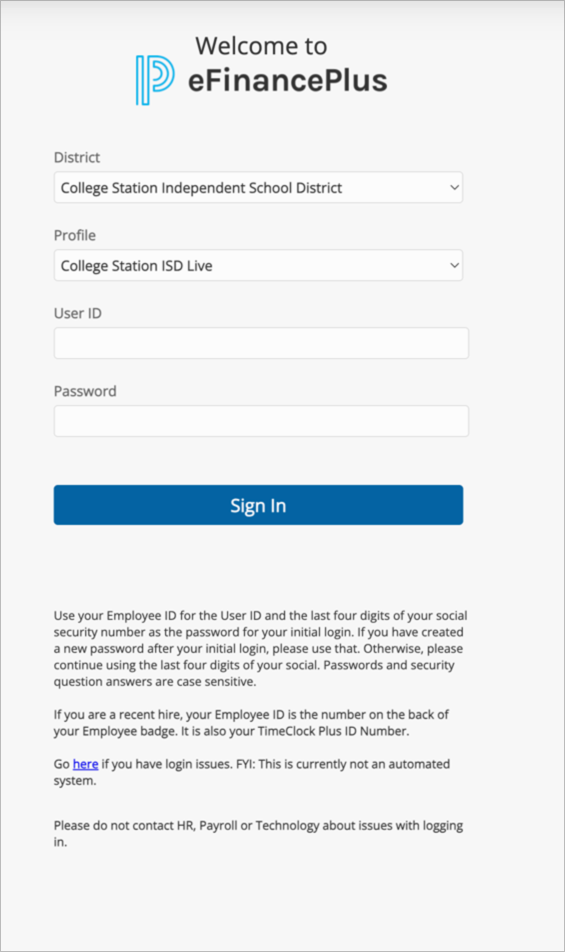
You will need to login using your employee ID number. This will be located on the back of your ID badge. That ID number is your username in EAC. Follow the prompts on the login screen to complete your login.
Once you’ve successfully logged in, you may use the menu options on the left to navigate through the system.
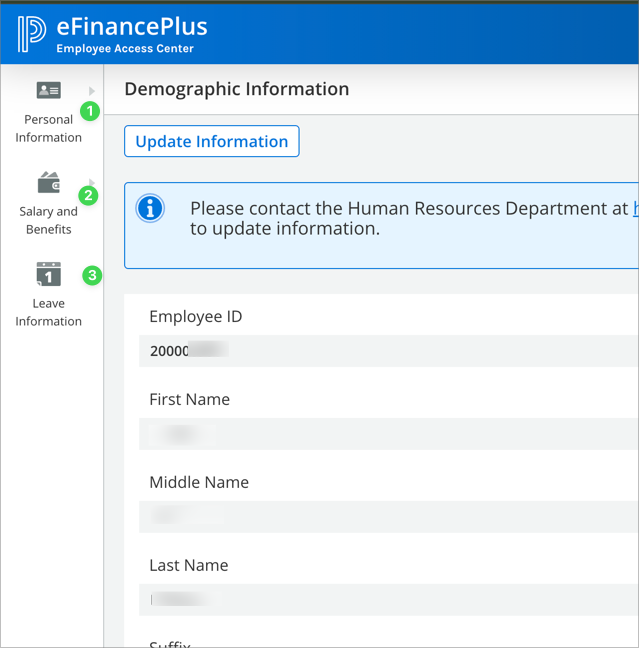
- Personal information – including demographic information, certifications and licensing and educational information
- Salary & Benefits – Payroll checks, deductions, tax forms and more
- Information about what leave you have taken and what your leave balances are currently.
If you are having issues with EAC and need assistance, please call the helpdesk or submit a work order.